Summary :
Your job or life may involve lots of PDF files. You might have to edit the text, images, pages, or security, or add additional info in a PDF. Such tasks require PDF editing software. More often than not, you resort to the known software for this purpose. However, most features in them aren’t free. We’ve downloaded and tried a bunch of PDF apps and online services, and finally settled on the 6 options. Check out the best free PDF editors that also excel in functionality.
#1. JOPDF
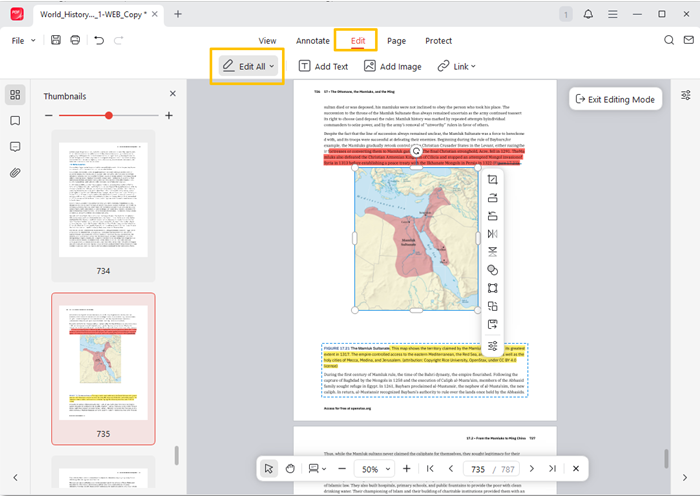
If you want the best PDF editor, you must like the free JOPDF, which is reliable, user-friendly, and lightweight. The software places special emphasis on speed and ease of use, even when handling large files. It packs all the essential editing features, even those in the premium programs. The best free PDF editor for Mac and Windows saves time, money, and effort for small businesses and students who need both basic and powerful features.
Pros:
- The best, safe, and totally free PDF editor for desktop, offline use has no watermark, no trial, and no subscription.
- View, password-protect, and unlock PDFs.
- Annotate PDF documents with sticky notes, highlights, text comments, drawings, etc.
- It lets you edit text, images, hyperlinks, and more existing elements in a PDF.
- It has the best user interface for beginners to work smoothly.
- Delete, rotate, rearrange, and add pages to a PDF.
Cons:
- No converter yet.
#2. LibreOffice Draw
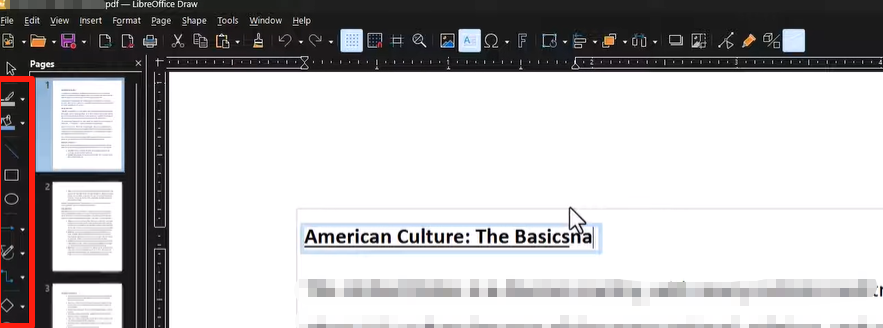
If you need the best free PDF editor for simple modifications, LibreOffice Draw is a good overall pick. As its name suggests, it is not a dedicated PDF program but an Office suite component. It is open-source and lets you open PDFs as editable versions, with recognized object and text layers. The software won’t offer what professional editors have, but it’s worth praise for its straightforward editing ability.
Pros:
- The best completely free open-source PDF editor is available for Windows, Mac, and Linux.
- Edit and export PDFs without a watermark.
- Rearrange pages, and draw shapes and lines.
- Make text changes and add text boxes to a PDF.
Cons:
- Opened PDFs may lose formatting or fonts.
- Fall short in detailed editing or other features. Challenging and clunky interface.
#3. PDF-XChange Editor
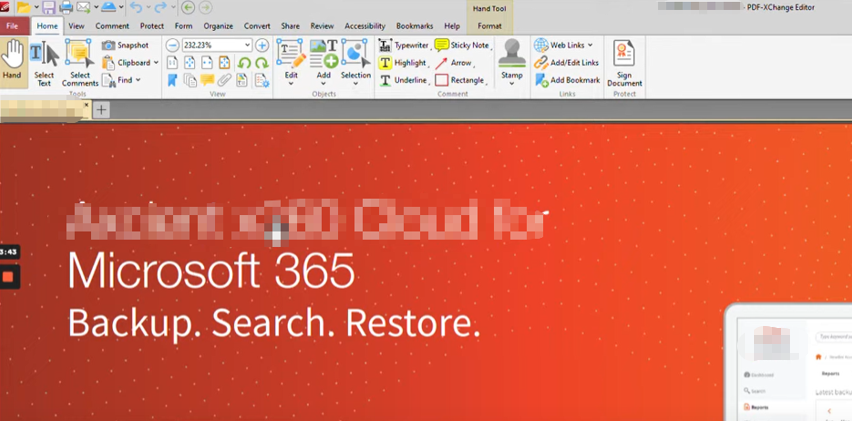
The third-best free PDF editor software app that can appeal and impress you is PDF-XChange Editor. Its free version lets you add annotations and edit text on a PDF. It also lets you view and create PDF forms, and even perform OCR. However, it will put watermarks on the exported PDF after editing. The best free PDF reader and editor is best suited for occasional editing tasks where the watermarks don’t matter.
Pros:
- View, comment, and create fillable forms.
- Text and image editing, and adding.
- Document conversion and OCR features.
- Intuitive interface.
Cons:
- Watermark limitations on some functions.
- Not entirely free. It only has a Windows version.
#4. PDFescape
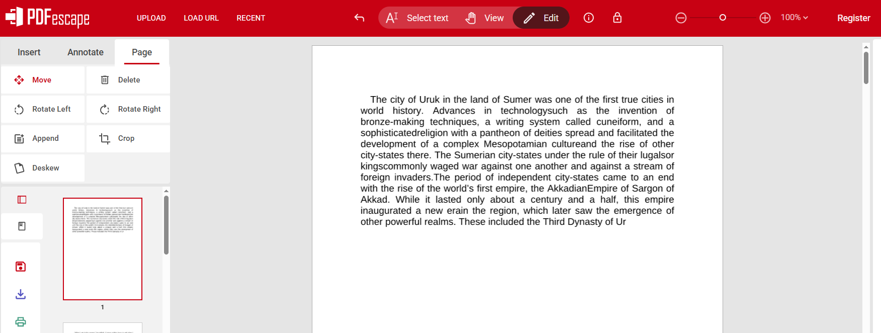
PDFescape is the best PDF editor for Mac, Windows, Linux, Android, iPad, and iPhone users to use for free, and is highly regarded. It is an online solution that lets you add text, shapes, form fields, and other content. You can also fill out forms, take notes, crop, deskew, reorder, and rotate pages with it. The best free PDF editor also lets you edit the existing text in a PDF online for free.
Pros:
- Offers a desktop app for more advanced features.
- Common functionalities include editing and adding text, as well as adding and removing images.
- Organize pages.
- The best free online PDF editor requires no sign-up and adds no watermarks.
- Run for PC, macOS, iOS, Android, and other devices.
Cons:
- Limit on file size (10 MB) and number of pages.
- Slow to load without an excellent internet connection. Privacy issue for uploading documents.
#5. Canva
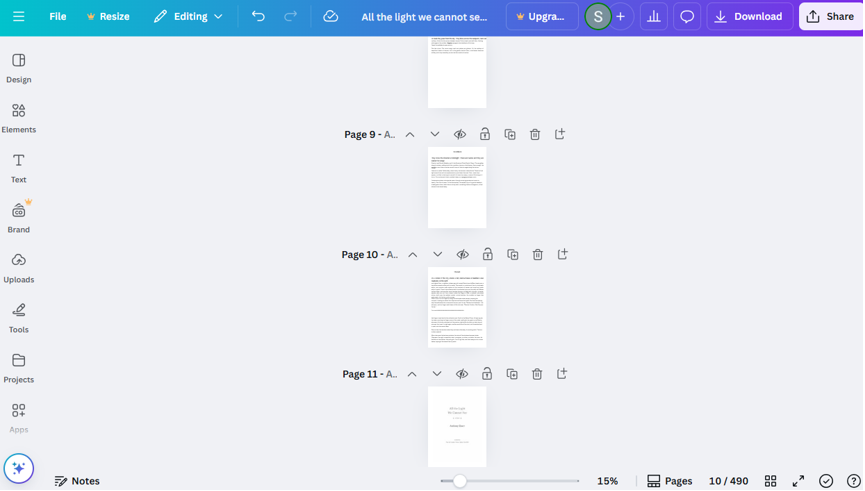
Canva is decent —among the best free PDF editing software options. It is developed as a graphic design and editing web application. You can use this online tool to edit a PDF completely free in your browser without downloading anything. The site offers various annotation tools to highlight text, make freehand drawings, and more. You need to register an account and log in to the best free PDF text editor online to get started.
Pros:
- One of the best free PDF editor tools without strict limitations (up to 300MB and 500 pages per PDF).
- Clean and ad-free workspace.
- Download edited PDFs without a watermark.
- Flatten or compress PDFs.
Cons:
- Take a longer time to upload and open PDFs.
- Formatting and layout are messed up. Performance issue.
#6. Sejda
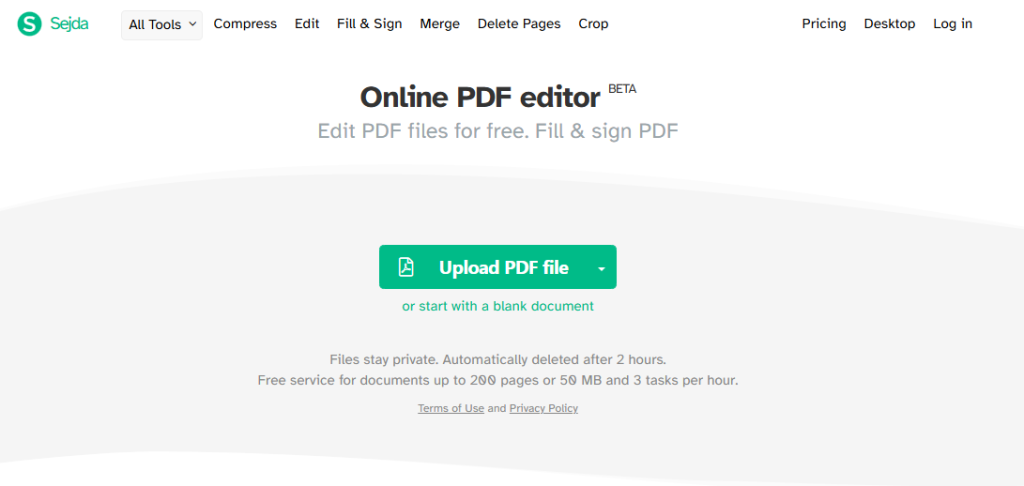
Sejda is among the best free online PDF editor apps for Android, iPhone, Windows, Mac, and other devices. It is a comprehensive toolkit that combines text modification, image addition, form filling, and signature signing—no account registration or log-in required. You can convert document format from PDF to another or vice versa.
Pros:
- The free PDF editor is the best for a wide range of editing tools.
- With a desktop version for free download.
- Quick to navigate and tidy UI.
- No watermark on downloaded files.
Cons:
- Usage limits per hour.
- It only makes text editable line by line, not blocks or paragraphs, which makes editing cumbersome. Less robust than specialized desktop apps.
Tips for Picking the Best Free PDF Editor
How to find the best free PDF editor app or website? With tons of software in the market, consider what is most important to you.
1) If you need robust source text editing capabilities, JOPDF is ideal. It is the best free, lightweight PDF editor with no watermark or limits.
2) If you’re primarily looking for annotation or content addition, the native Preview application on macOS is enough. The Microsoft Edge browser can even aid you.
3) If you prefer one with more advanced features that you may need in the future, PDF-XChange Editor is a choice.
4) Online tools come into play when you don’t want to download or install any software app. All 6 PDF editors are the best and free, and don’t ask for credit card details or show annoying ads.
Conclusion
After days of testing many of the best free editors for PDF documents, we’ve compiled this list of six options. If you browse various app stores, most of the PDF editors often just offer free trials to attract users. This article collects them based on ease of use, real text editing ability, and entirely free versions. JOPDF is your best free PDF book reader and editor for MACLaw and government.
FAQs
Table of Contents
Your Best Free PDF Expert in PDF editing, compressing, converting, annotating, protect, organizing, and more.
Free DownloadWindows · macOS · Linux

Selena
Staff Editor
“Selena is a staff editor working for JOPDF, passionate and committed to providing how-to and round-up articles. Over 8 years of specialized skills and experience in PDF solutions, hoping to help users ease their lives and solve whatever they encounter. "Work smarter, not just harder!"”
![Full Guide on How to OCR a PDF in Adobe Acrobat [Newest]](https://b.jopdf.com/wp-content/uploads/2026/10/how-to-ocr-a-pdf-in-adobe.png)